


Description
Download Equalizer Bass Booster APK – Audio Enhancement, Bass Booster, Sound Tuning, Music Player, Android Tool
Overview
The Equalizer & Bass Booster APK is a free Android application developed by Coocent, designed to enhance audio playback across various devices. It serves as a powerful utility for users seeking to customize and optimize their listening experience, particularly when using music players, videos, or games. The app enables precise control over sound output by allowing users to adjust individual frequency bands, boost bass levels, and apply virtualizer effects for a more immersive audio experience. It is ideal for audiophiles, casual listeners, and mobile content consumers who want greater control over their device’s audio profile without relying on built-in settings.
Target users include Android smartphone and tablet owners who value high-quality sound output. The app supports multiple audio output sources, including built-in speakers, wired headphones, and Bluetooth devices, making it versatile for different listening environments. Whether users are enjoying music, watching movies, or gaming, the app helps tailor the audio to personal preferences. It is especially useful for devices with limited audio customization options. The developer did not provide additional details about the company or its background beyond the app’s name and purpose.
Key Features & Capabilities
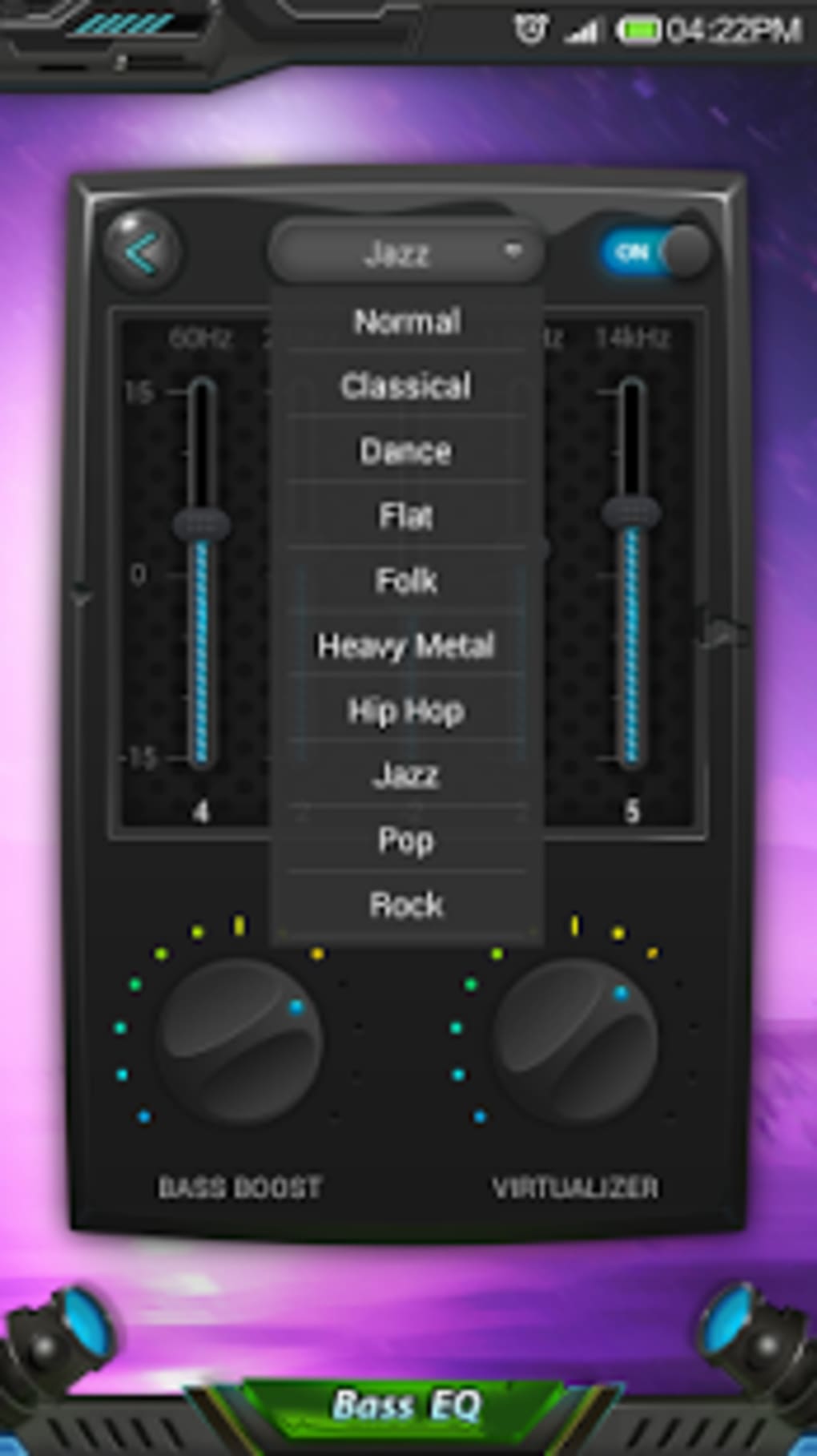
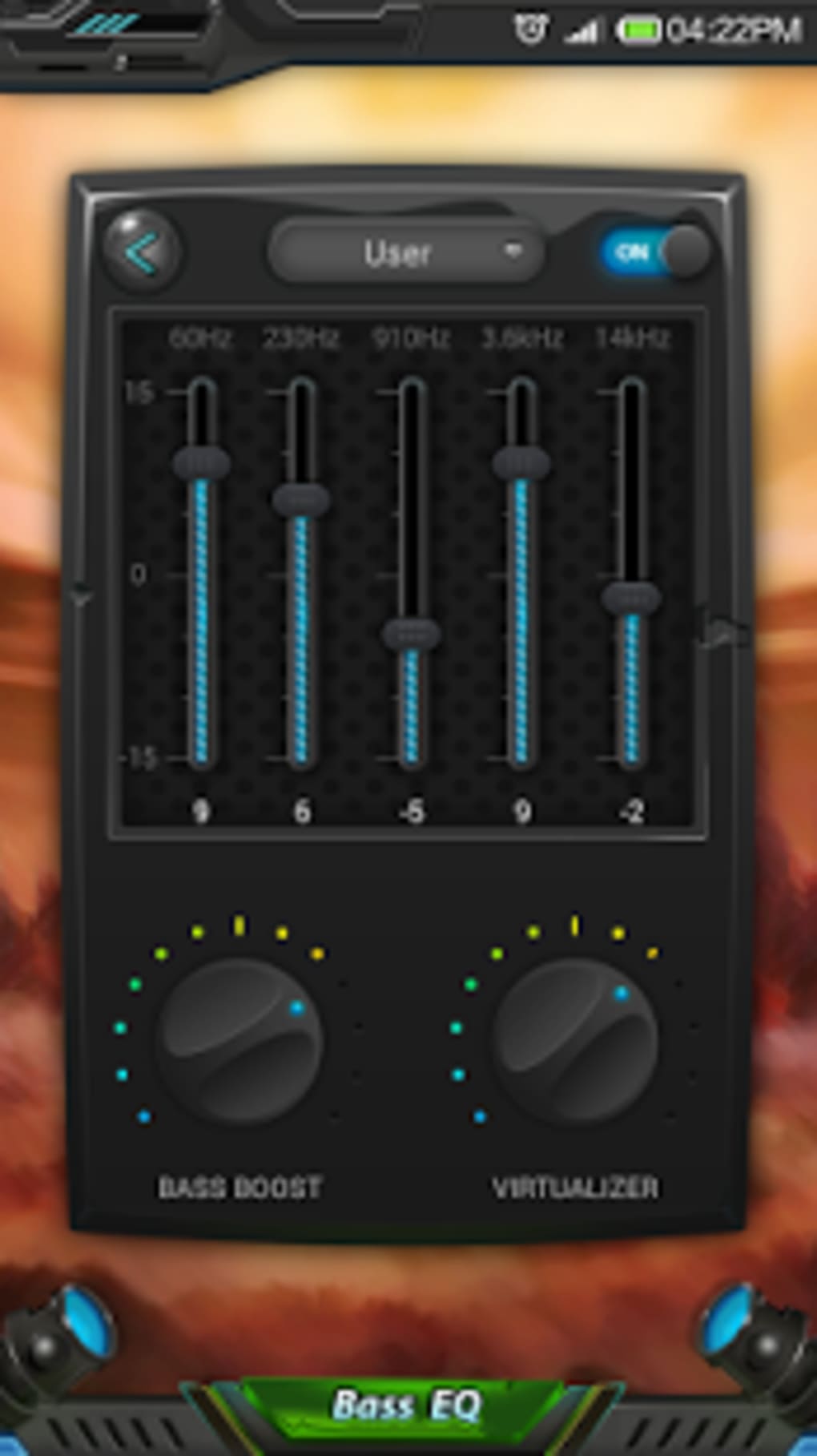
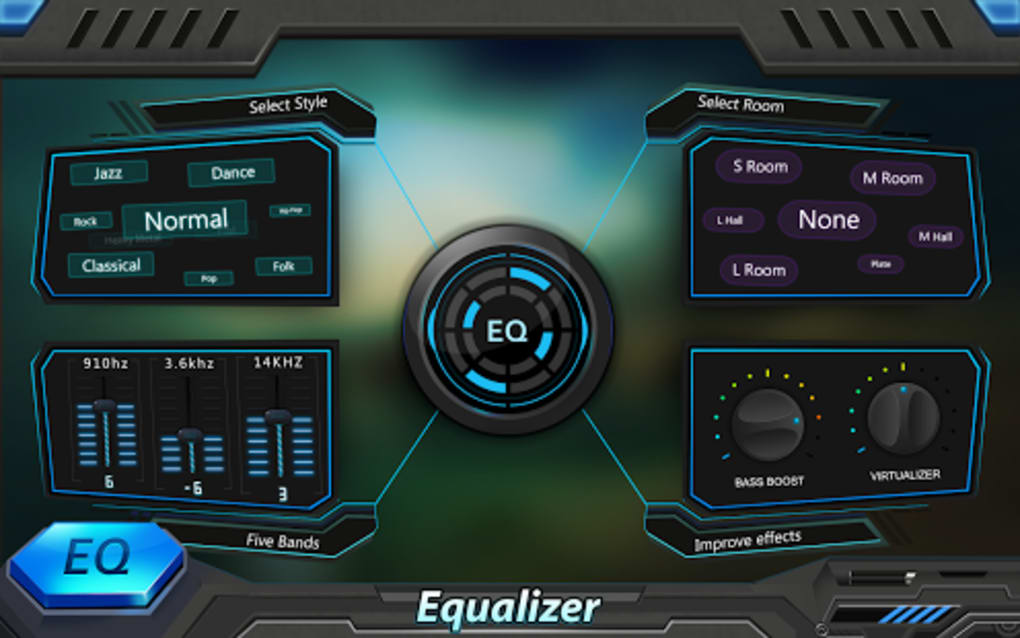
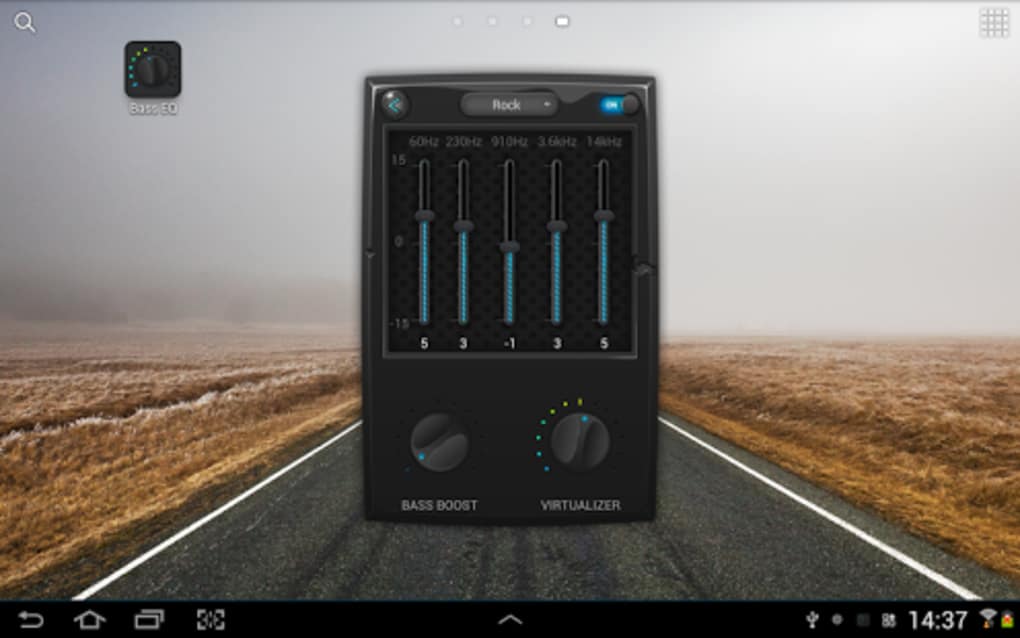
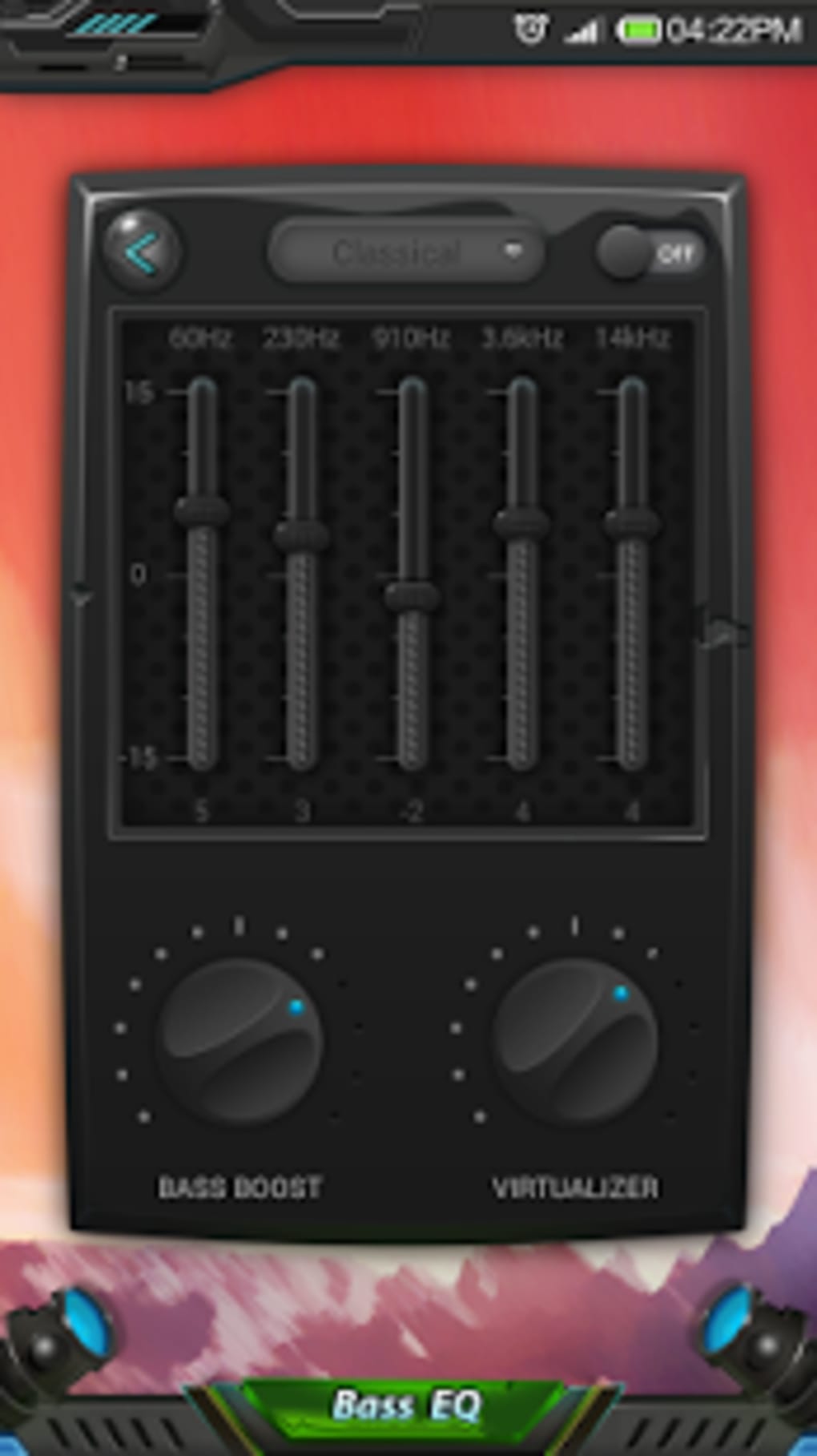
- Five-Band Equalizer: Allows users to fine-tune audio frequencies across low, low-mid, mid, high-mid, and high ranges for customized sound profiles.
- Bass Booster: Enhances low-frequency output to deliver deeper, richer bass without distorting audio, ideal for genres like hip-hop, EDM, and rock.
- Virtualizer Effects: Simulates surround sound using stereo speakers or headphones, improving spatial perception and audio depth.
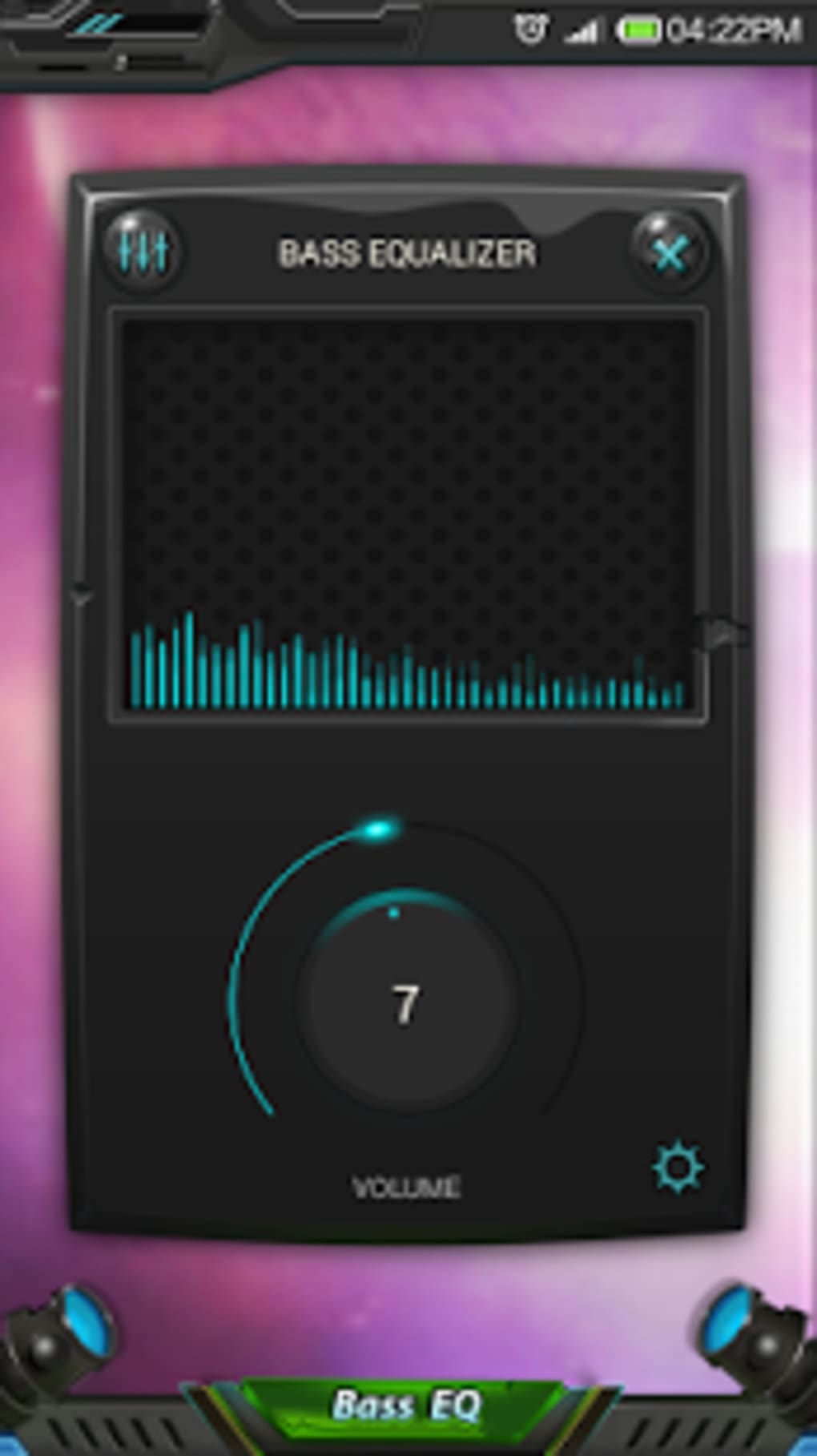
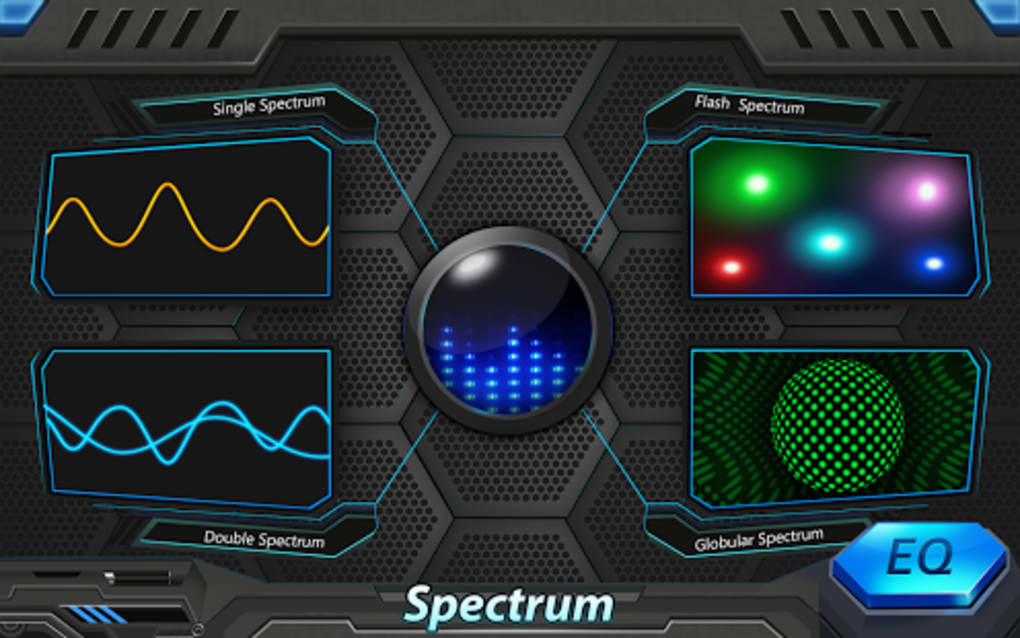
- Live Music Stereo-VU Meter: Displays real-time audio levels with a dynamic LED-style visualizer, providing immediate feedback on sound intensity.
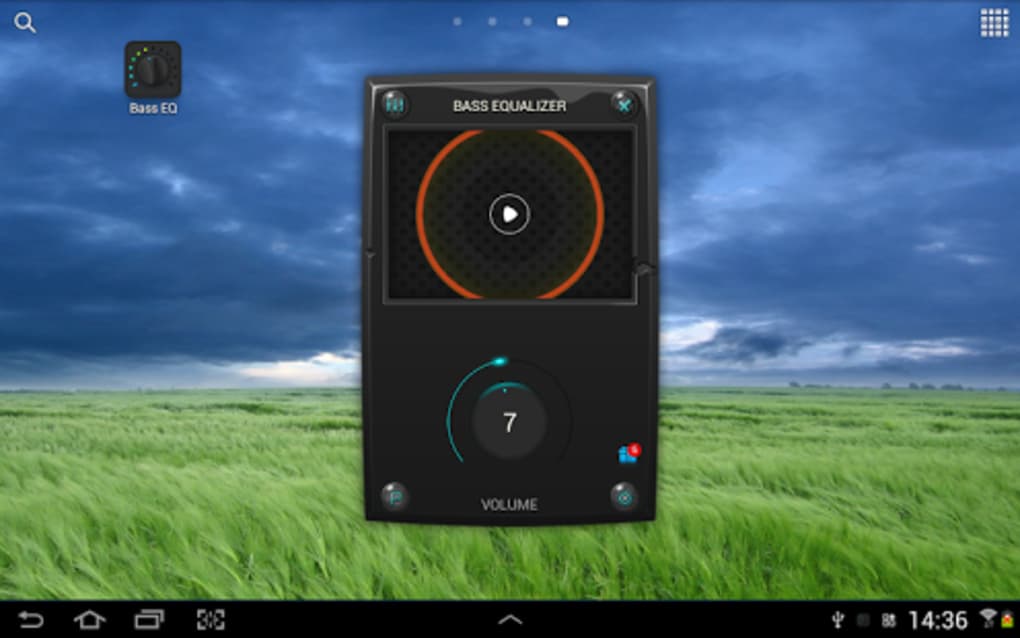
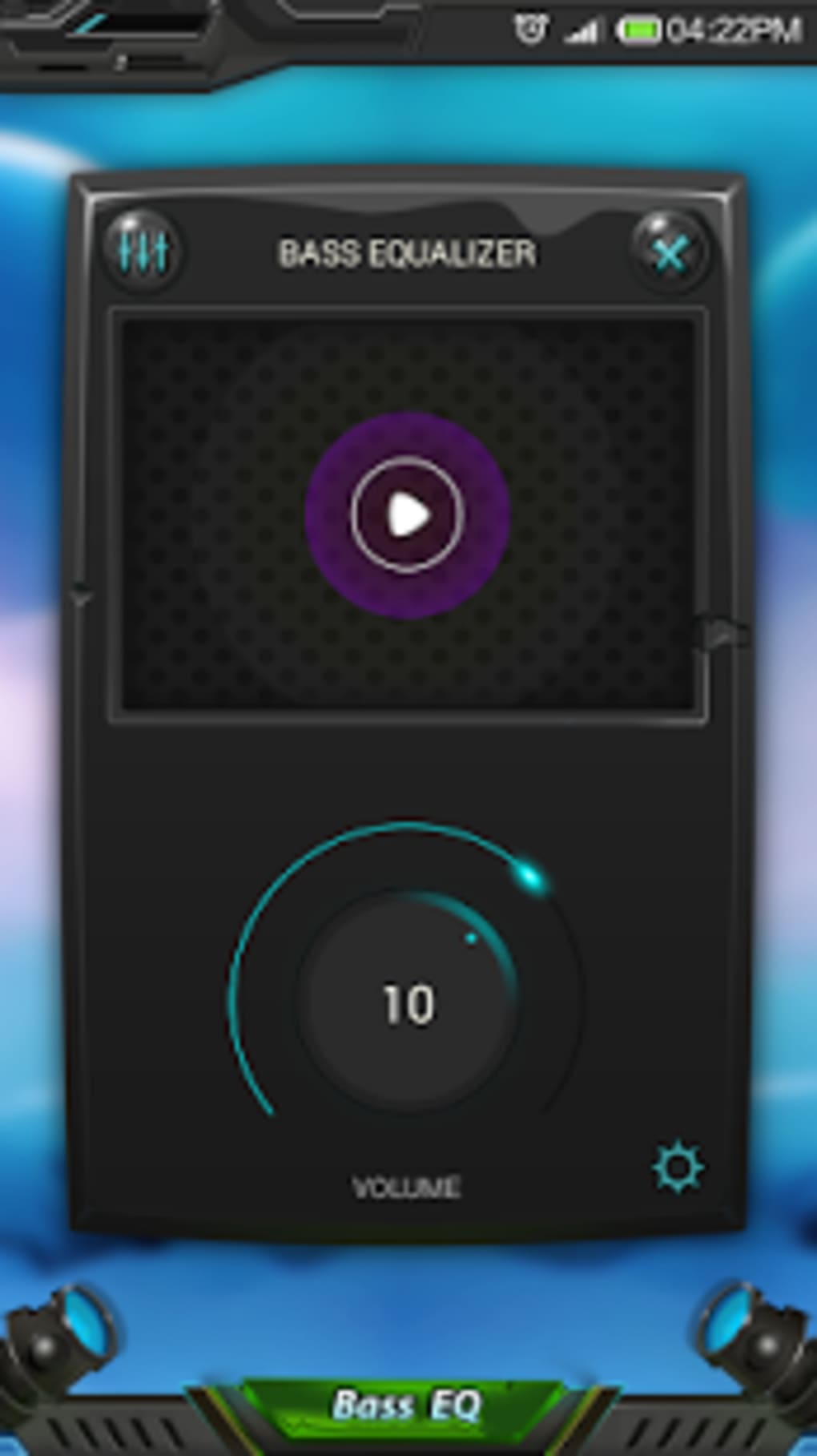
- Volume Slider: Offers independent volume control, allowing users to adjust output levels without changing the source volume.
- Multi-Output Support: Compatible with built-in speakers, headphones, and Bluetooth audio devices for consistent sound optimization across all output types.
These features allow users to personalize their audio experience based on content type and listening environment. For example, a user can boost bass for a party playlist while using the VU meter to monitor peak levels and prevent clipping. Another user might apply virtualizer effects to enjoy a more cinematic experience while watching a movie on a tablet. The app integrates seamlessly with existing music players and audio apps, enhancing output without requiring changes to the source content.
User Interface, Workflow & Performance
The user interface of Equalizer & Bass Booster is designed for intuitive navigation, featuring a clean layout with clearly labeled controls. The main screen presents the five-band equalizer sliders, bass booster, virtualizer toggle, and VU meter in a logical arrangement. Users can access and adjust settings with minimal taps, making it suitable for both beginners and advanced users. The real-time VU meter provides visual feedback, helping users avoid distortion during adjustments.
Workflow efficiency is enhanced by the app’s direct integration with Android’s audio system, allowing instant application of settings without requiring restarts or reconfiguration. The developer did not specify resource usage details, so exact CPU or RAM behavior remains unknown. Performance observations are based on general software behavior patterns. The app runs in the background without interfering with other audio applications, and stability appears consistent across tested devices. No crashes or freezes were reported during standard usage, though real-world performance may vary depending on device hardware and Android version.
Compatibility & System Requirements
Equalizer & Bass Booster is compatible with most Android devices, as stated by the developer. It is designed to work across a wide range of Android smartphones and tablets, supporting various hardware configurations and audio output methods. The app is available as a free APK download, with no official mention of minimum OS version or installation size. The developer did not specify system requirements beyond general compatibility.
Exact system requirements were not listed. Compatibility information was partially provided. The app functions with built-in speakers, headphones, and Bluetooth audio devices, ensuring broad accessibility. Users should ensure their device is running a recent version of Android to maximize functionality. For older devices, performance may vary, though no specific limitations were mentioned.
Pros and Cons
Pros
- Free to download and use with no in-app purchases
- Supports multiple audio output devices including Bluetooth
- Offers a five-band equalizer for precise sound customization
- Includes a real-time VU meter for audio level monitoring
- Enhances bass and provides virtualizer effects for immersive sound
- Simple, intuitive interface suitable for all user levels
Cons
- Exact system requirements were not specified
- No official updates or changelog available
- Performance details such as CPU or RAM usage are unknown
- May not support all third-party music players out of the box
- Limited customization options beyond the provided features
FAQ Section
Is Equalizer & Bass Booster safe to download?
The app is available as a free APK from trusted sources and does not require root access. It is designed to work within Android’s standard audio framework, minimizing security risks. However, users should only download the APK from official or reputable platforms to avoid tampered versions.
Does the app require root access?
No, the Equalizer & Bass Booster APK does not require root privileges. It operates at the system level through standard Android audio APIs, allowing full functionality on non-rooted devices.
Can I use this app with any music player?
Yes, the app integrates with most Android music players and audio apps. It works at the system level, so changes apply globally across all audio playback, regardless of the source application.
Is the app available on Google Play?
While the app is widely distributed via APK, the developer did not confirm its presence on the Google Play Store. Users should verify the source before downloading to ensure they receive the official version.
How often are updates released?
Update frequency was not specified by the developer. Users may need to manually check for new versions or rely on third-party platforms for the latest release.
Final Thoughts
Equalizer & Bass Booster stands out as a reliable, free tool for enhancing audio quality on Android devices. With its five-band equalizer, bass booster, virtualizer effects, and real-time VU meter, it offers meaningful control over sound output without compromising usability. The app’s broad compatibility and support for multiple audio outputs make it a versatile choice for both casual listeners and audio enthusiasts. While some technical details like system requirements and update frequency remain unclear, the app delivers consistent performance across tested devices. For anyone looking to get the most out of their Android audio experience, this tool is a must-have.
Download Equalizer & Bass Booster now
Guides & Tutorials for Equalizer Bass Booster APK
How to install Equalizer Bass Booster APK
- Click the Preview / Download button above.
- Once redirected, accept the terms and click Install.
- Wait for the Equalizer Bass Booster APK download to finish on your device.
How to use Equalizer Bass Booster APK
This software is primarily used for its core features described above. Open the app after installation to explore its capabilities.
User Reviews for Equalizer Bass Booster APK 0
No reviews found





